A digital tracing tool that’s easy to use
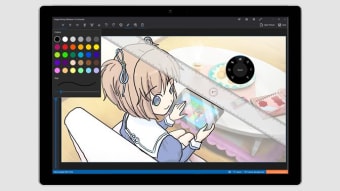
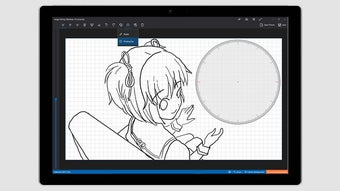
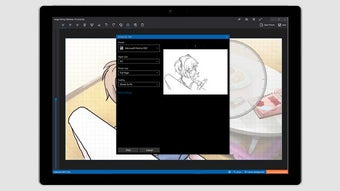
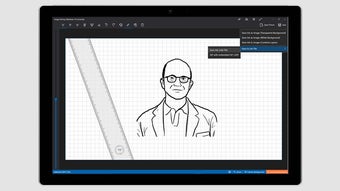
Tracing is a free multimedia app that allows users to trace over images to create sketches or outlined versions. Think of it as a digital lightbox that works best with a digital pen, though it also supports touch screens and mouse input, making it accessible for various devices.

Unlock your creativity with Adobe Stock
Get 10 images or 1 video with a free trial
Simple and practical
Tracing serves a wide range of users. Artists and illustrators can use it for precise sketches, hobbyists can enjoy casual drawing, and professionals or students can create visuals for presentations. It’s also a helpful tool for those transitioning from traditional pen-and-paper drawing to digital formats, offering practice with digital pens.
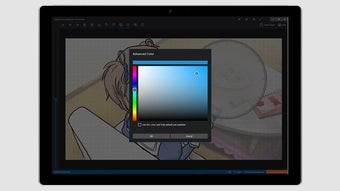
Using the app is straightforward: insert a photo, choose from multiple pen types and thicknesses, and select ink colors to suit your needs. However, some users report occasional freezes or crashes, which can result in lost work, so saving progress frequently is recommended.
Accessible for all skill levels
Overall, Tracing is a handy tool for anyone interested in digital sketching. Despite occasional stability issues, it offers an easy way to practice drawing, create outlines, or produce visuals for projects, making it useful for both casual and more serious users.